I went through the reasons/motivation for setting up a self-hosted streaming service in my first post. But essentially the main driver is to acquire content once then play it as many time and in as many places as you want.
Plex?
Initially I thought of Plex, but the thing about is that even if the library is local you still have centralized account management, etc. Essentially you depend on Plex to let you log in and watch your own content, which kind of defeats the purpose. Thankfully, a basic search reveals Jellyfin to be a popular open-source alternative. I checked it out and I can see what it's so popular, since there is a huge community behind it, the product is solid and slick, and they've clients for all platforms (iOS, ChromeCast, Android, you name it.)
The hardware
I happen to have a mini PC that I purchased a couple of months ago when working in web accessibility changes related to the European Accessibility Act. I was able to test using VoiceOver on my Mac as well as my iPhone but I needed to get my hands on a Windows PC as well. I know there are solutions like BrowserStack which allow you to test your changes on any number of real devices, but I decided to get the mini PC instead because:
- I don't want to pay for the BrowserStack again (currently $50 for a month)
- I found BrowserStack to be great when it works, but I struggled a few times when the tunnel wasn't set up correctly of whatever meaning I was not able to test my local environment. It always ended up working but it was a bit of a struggle
- I've been waiting for an excuse to get one :)
I was on the fence about it at first, particularly around brands, but after watching a video showing the manufacturing process (thank you YouTube targeted recommendations) I was happy to pull the trigger on it.
I still don't know how trustworthy these brands are though, which makes me a bit uncomfortable but not enough to stop me from using it. I dug in a little and there seem to be different levels of paranoia, as you can see here, where some people say it's say as long as you re-install the OS, whereas others say it doesn't really matter since the BIOS may have malicious content, and others suggest to get rid of the SSD the mini PC comes with and install a new one with a fresh copy of your OS of choice. I found myself to be comfortable enough by re-installing the OS an so that's what I did.
The process
The rest of the process was pretty straightforward:
- Get Ubuntu's ISO
- Get a Flash Drive
- Create a bootable USB stick
- Install Ubuntu
- Install Jellyfin
Installing Ubuntu
Installing Ubuntu was a breeze once I figured out I needed to press F7 on the load screen to be able to get into the boot menu. At first I thought the Flash Drive was screwed but turned out to be an easy fix.
Installing Jellyfin
Installing Jellyfin was a breeze once I decided on a guide to follow.
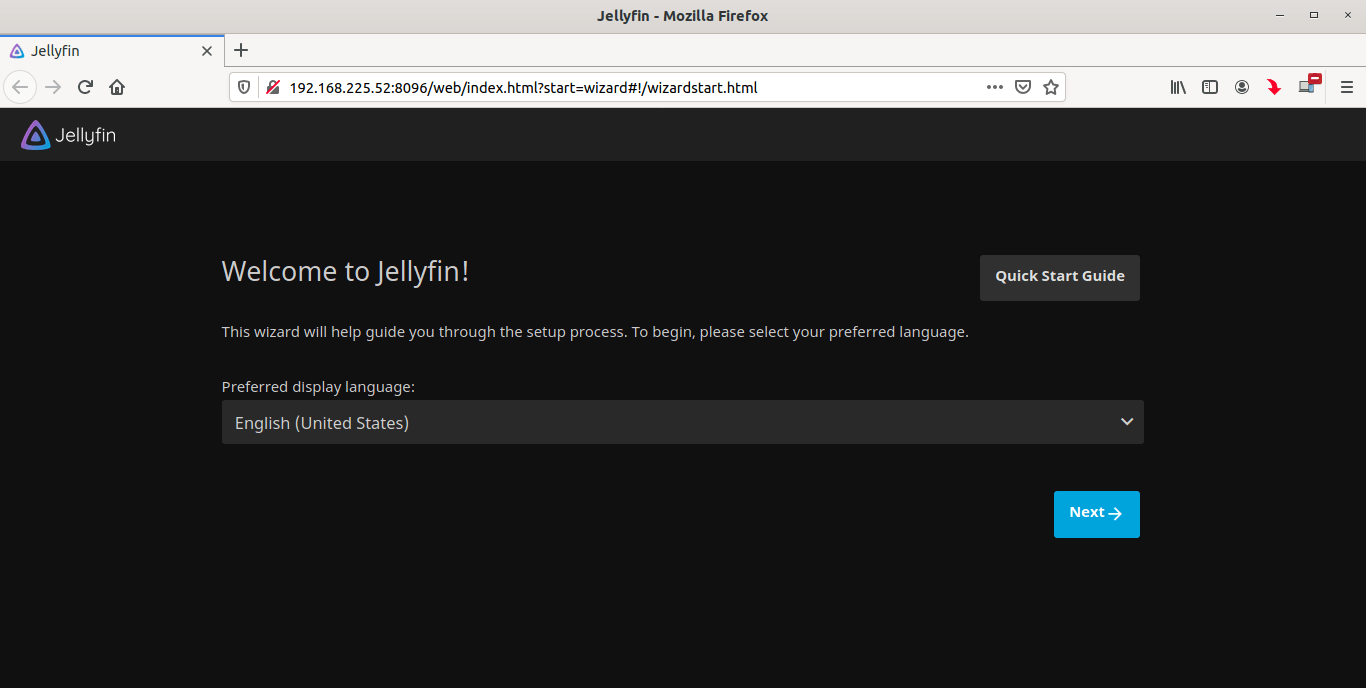
I followed the steps and soon I was welcomed to the Jellyfin server:
 The only thing I struggled with had to do with the mounting of the content drive. First the Jellyfin server wouldn't allow me to select it as a source, then by un-monting and re-mounting using a new directory worked but I had the problem that I couldn't write into it (because the mount was defaulting to read-only). In the end the following worked:
sudo mkdir /media/jellyfin_ssd
sudo mount -t exfat -o uid=1000,gid=1000 /dev/sdb1 /media/jellyfin_ssd
Using the simpler
sudo mount /dev/sdb1 /media/jellyfin_ssdNext steps
A server with an empty library is useless, so the next step is to get content. More details on my next post.
Links
Below are links that guided me:
Create a bootable USB stick on macOS
Etcher broke my USB stick... or did it?
How to Install Jellyfin Media Server on Ubuntu 22.04